Sharing with the community
Publish your pack for everyone to download, rate and comment on, or remix someone else's into your own.
Publishing
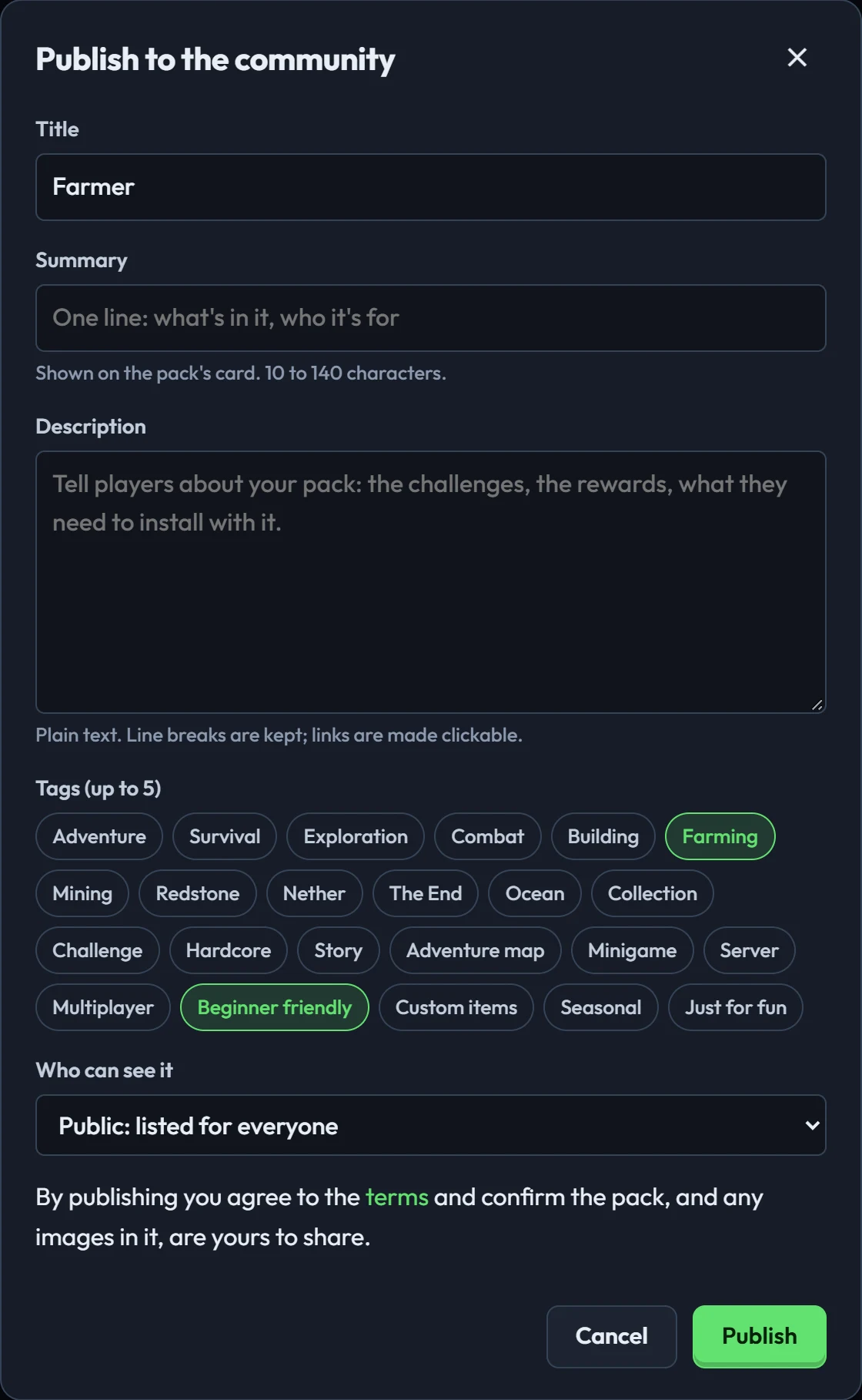
- In the creator, click Publish and sign in with Discord (only the first time).
- Give it a title, a one-line summary, a description and up to five tags.
- Choose Public (listed for everyone) or Unlisted (only people with the link).
- Publish. You get a link to your pack's page.
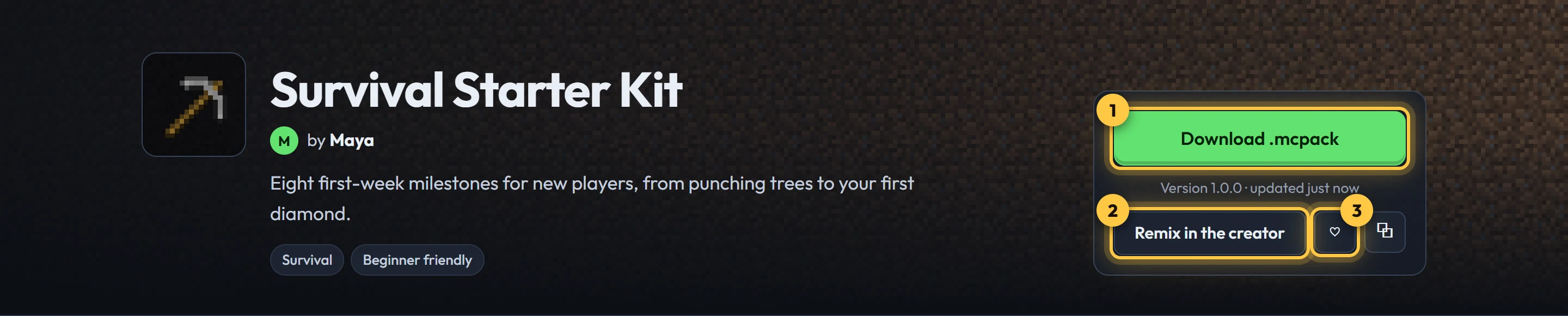
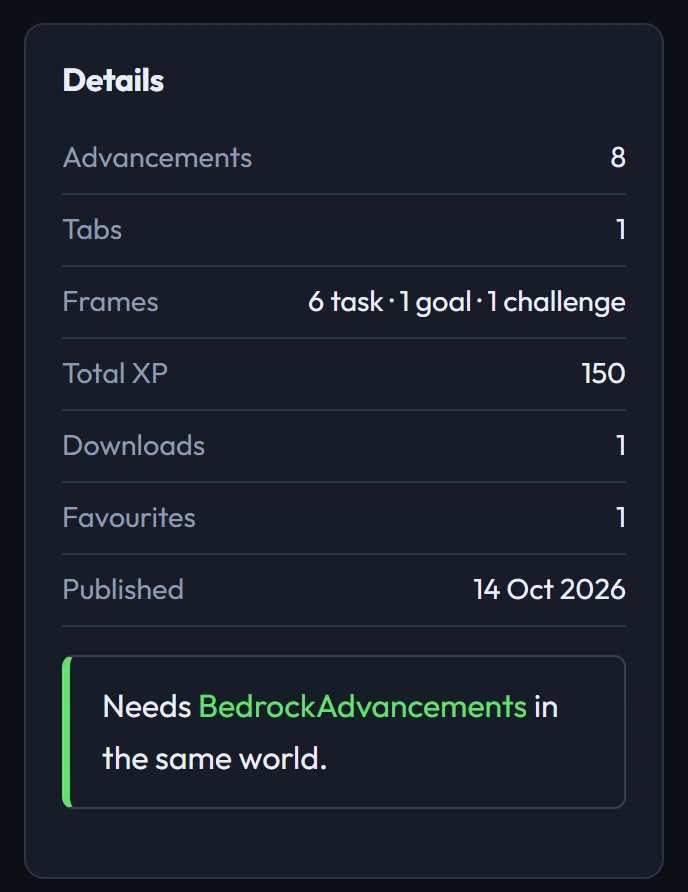
The pack page shows the live in-game preview, every advancement with its goals, a download button that builds the pack for players, versions, ratings and comments.
Updating your pack
Keep working in the creator and click Publish again: it becomes a new version of the same pack. Add a note about what changed. Ratings, comments and downloads stay. To edit from another computer, open your pack's page and choose Edit in the creator.
From the pack page you can also edit the listing (title, description, tags, visibility) without a new version, or delete the pack.
Your pack's licence
Published packs are released under the MIT License, in your name. Anyone can download, use, change and remix your pack and share their version, as long as they keep the licence and your name with it. Every download includes a LICENSE file and lists you as the author. Packs you export from the creator and don't publish aren't affected: they're yours to share however you like.
Remixing
On any pack's page, Remix in the creator opens a copy that's yours. It gets new ids, so the original and your remix install side by side. When you publish it, its page says what it was remixed from, and the original lists its remixes.
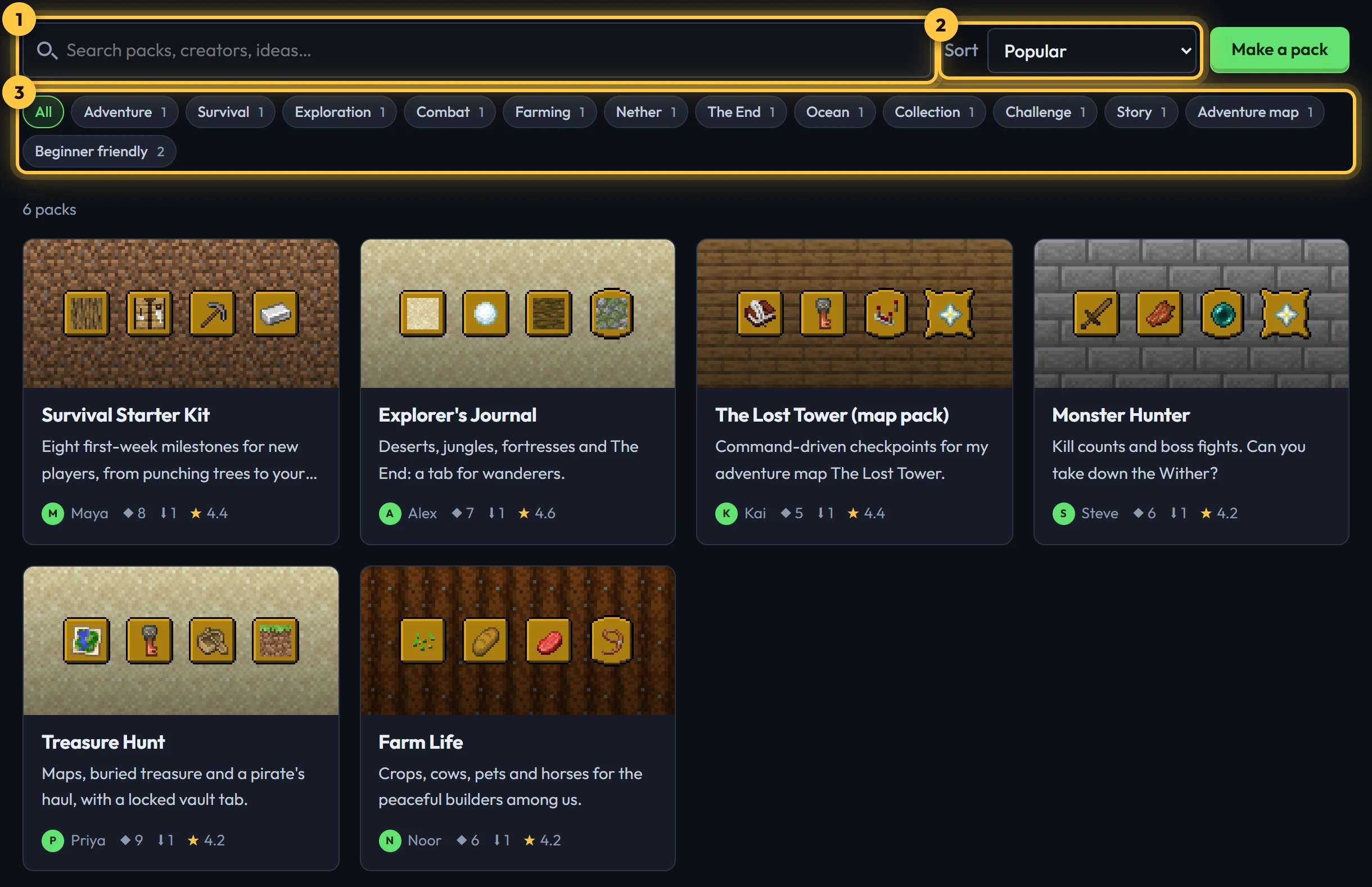
Ratings, favourites and comments
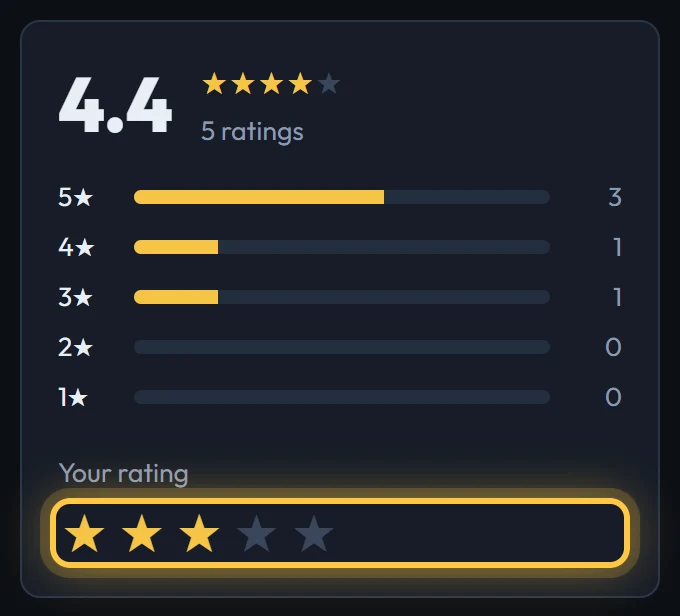
- Rate packs from 1 to 5 stars. You can change your rating any time.
- Heart a pack to keep it in your favourites.
- Comment, reply, and edit or remove your own comments. Pack creators can remove comments on their packs.
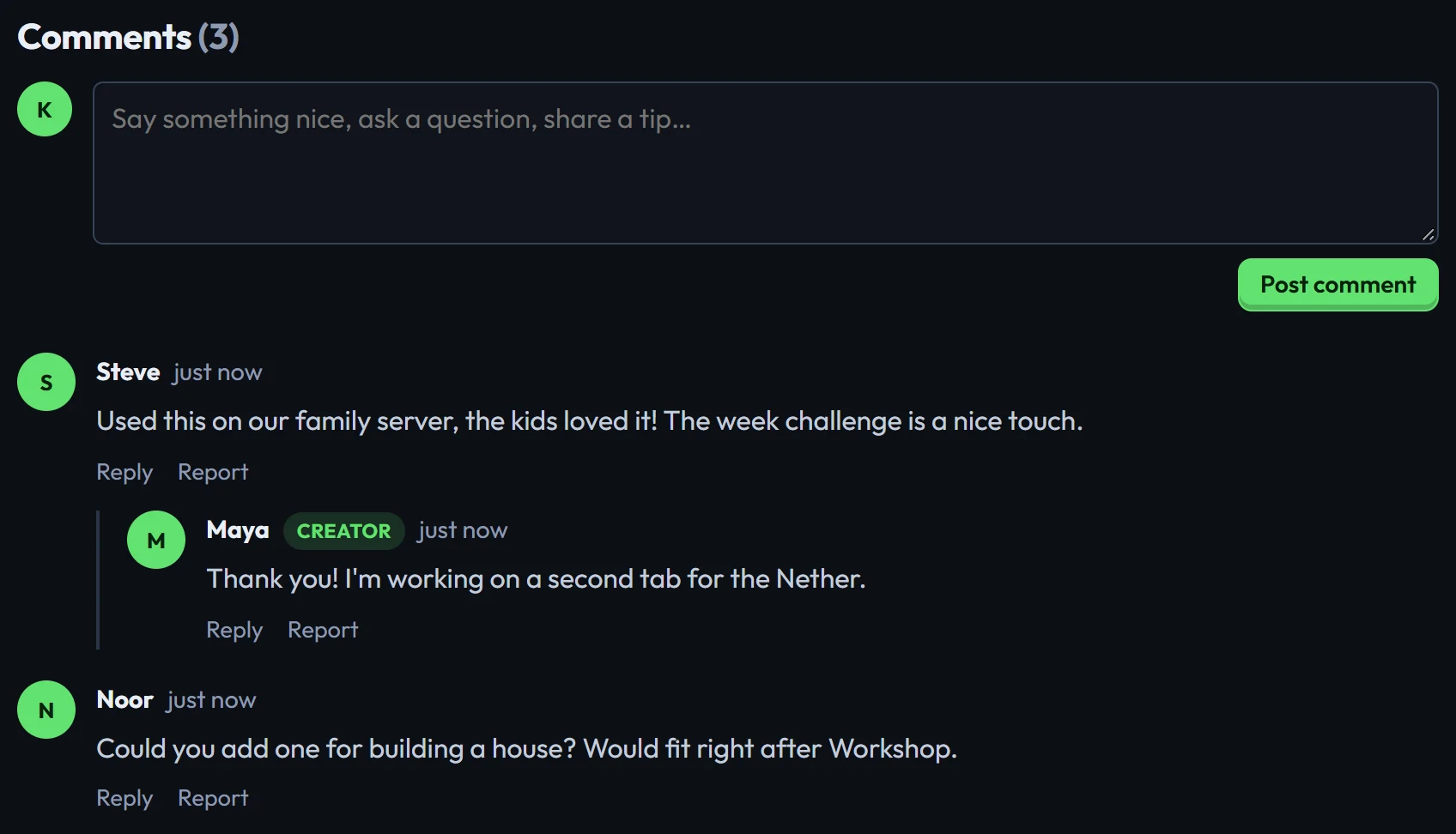
See the community guidelines. Use Report on anything that breaks them.