
Icons, backgrounds and your add-ons
Every icon and background can be a Minecraft texture, a picture you upload, or a texture from your own add-on.
Choosing an icon
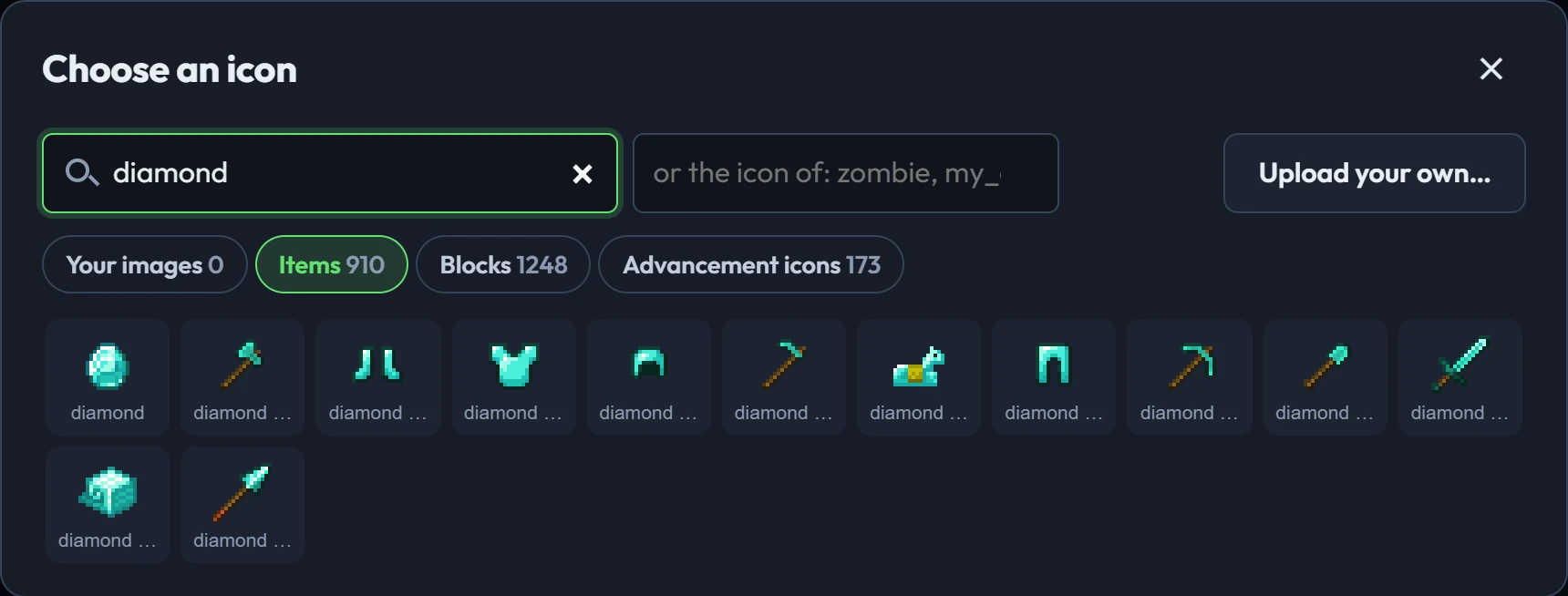
Click the icon (or Choose…) to open the picker. Search Minecraft's items and blocks, the advancement icons BedrockAdvancements uses, your uploads, and your add-ons' textures. In the picker you can also type the icon of an item, block or mob, like zombie, to use whatever the game shows for it.
Uploading your own
Click Upload… next to any icon or background, or open Your images at the bottom of the left column. PNG, JPG, GIF and WebP all work; they're turned into PNGs.
- Icons: draw at 16×16 for the Minecraft look, or let the creator shrink your picture to 16, 32 or 64 pixels. Leave smooth off for pixel art and on for photos or painted art.
- Backgrounds tile behind the tree at their own pixel size, as in game. A 16×16 tile looks like Java's block backgrounds.
- Pack icon: pick one of your images under the pack's settings, and it's used in Minecraft's pack list.
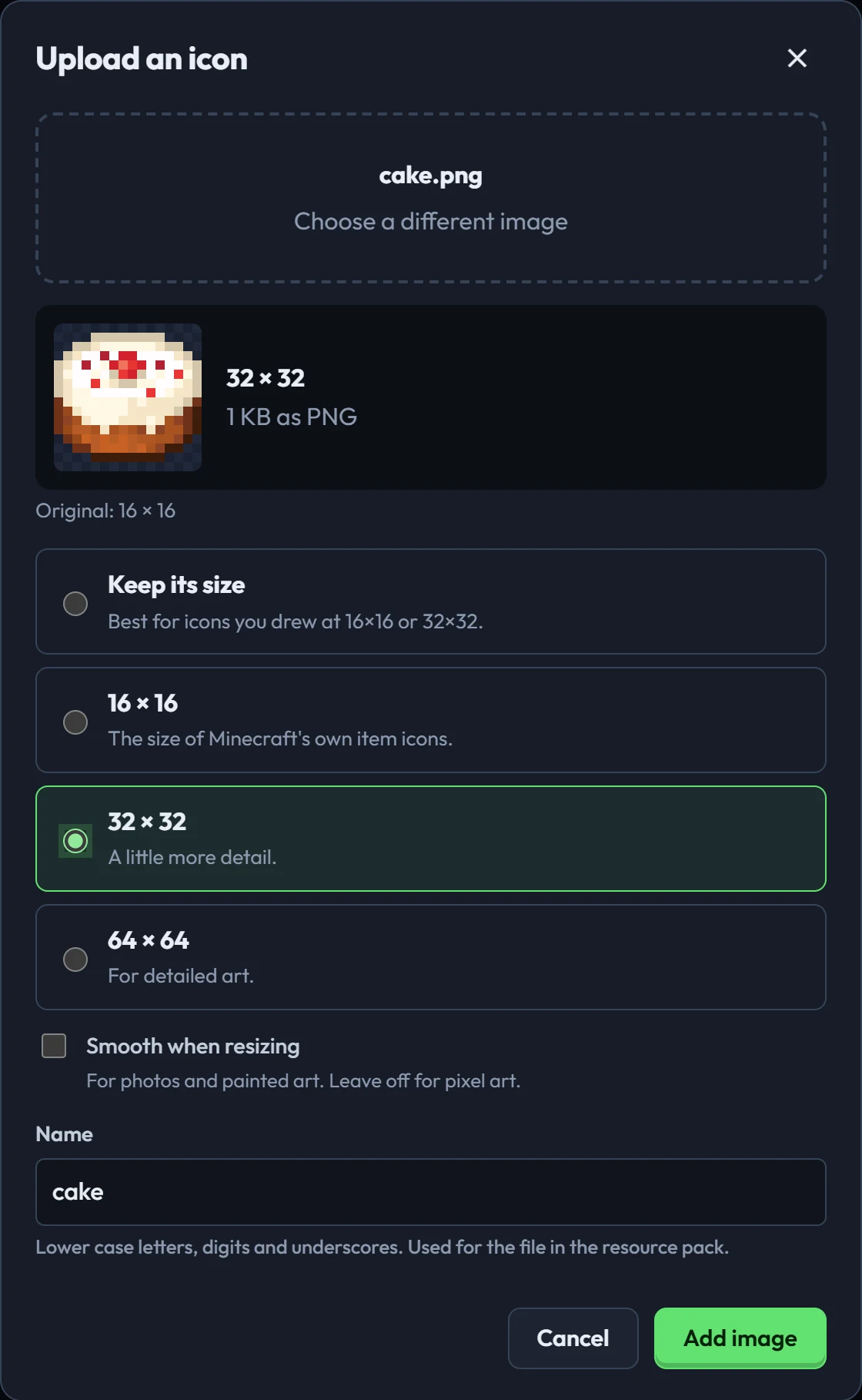
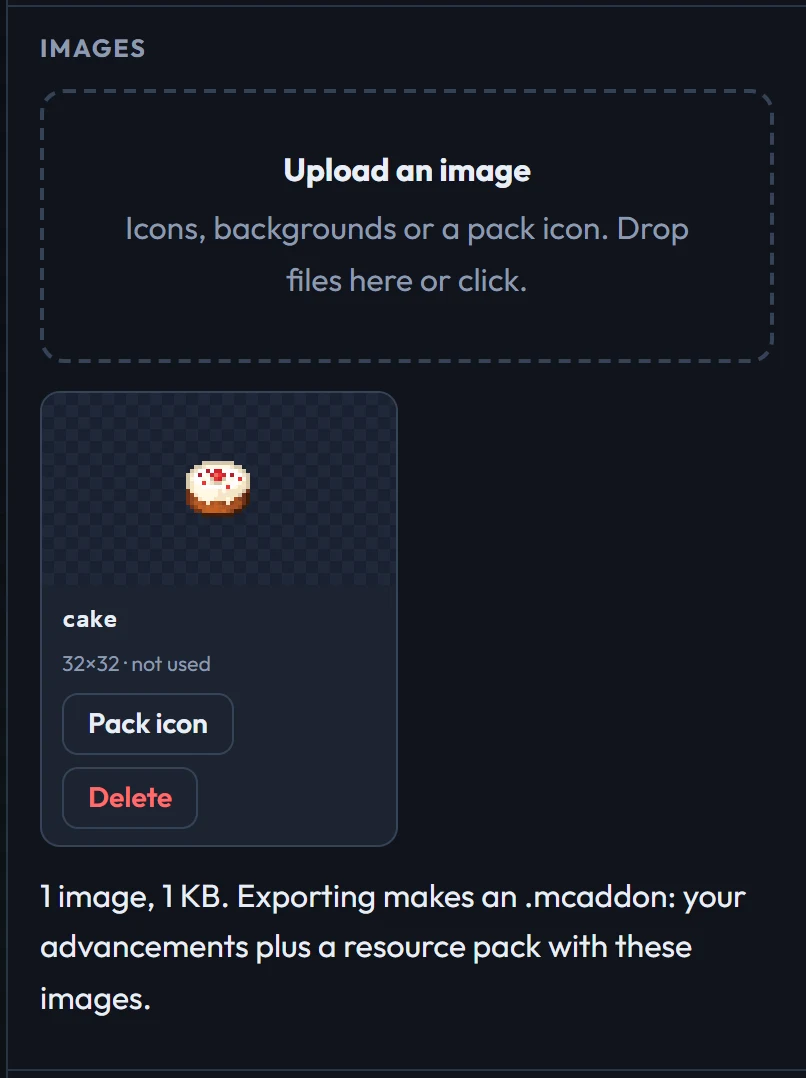
Images go inside your project (and its saved file), up to 64 images of 256 KB each. When you export, they go into your pack's resource pack, which every export has.
Your add-ons
Making advancements for your own add-on? Open Your add-ons and add its .mcaddon, .mcpack or .zip, with the behaviour pack, the resource pack, or both. The creator reads it in your browser (nothing is uploaded) and:
- adds its items, blocks and mobs to the pickers, so goals can use them;
- stops warning that those ids are unknown;
- shows its textures in the preview, and finds each item's or mob's icon for "the icon of";
- puts its textures in Your images, in the icon picker and in the sidebar's library, after your own uploads. They stay the add-on's: they aren't exported with your pack, since players get them with the add-on.
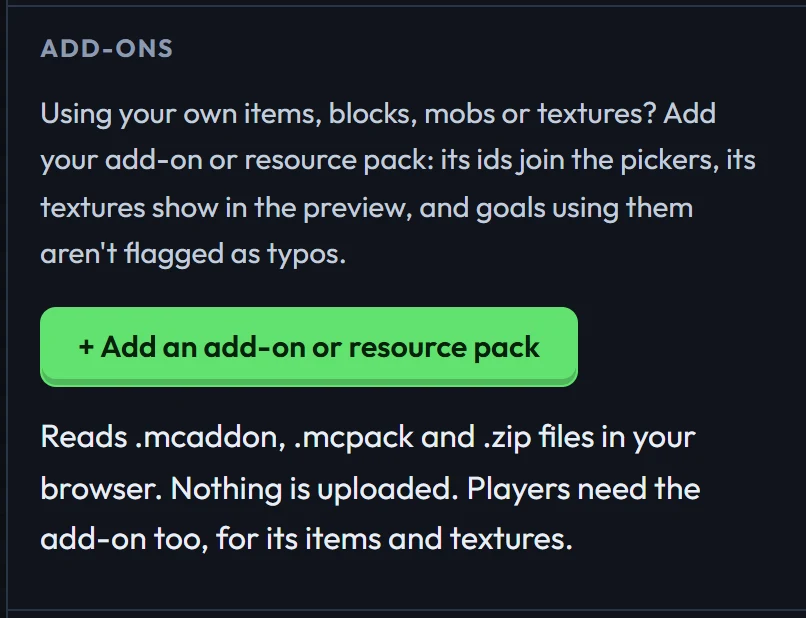
The project remembers what the add-on contains, so its ids work anywhere. Its pictures stay in this browser; on another computer, add it again to see them in the preview.
Your exported pack doesn't include the add-on. Players need the add-on installed too, for its items and textures.